Installation Guide
Set up KemoTV on your favorite device in just a few minutes.
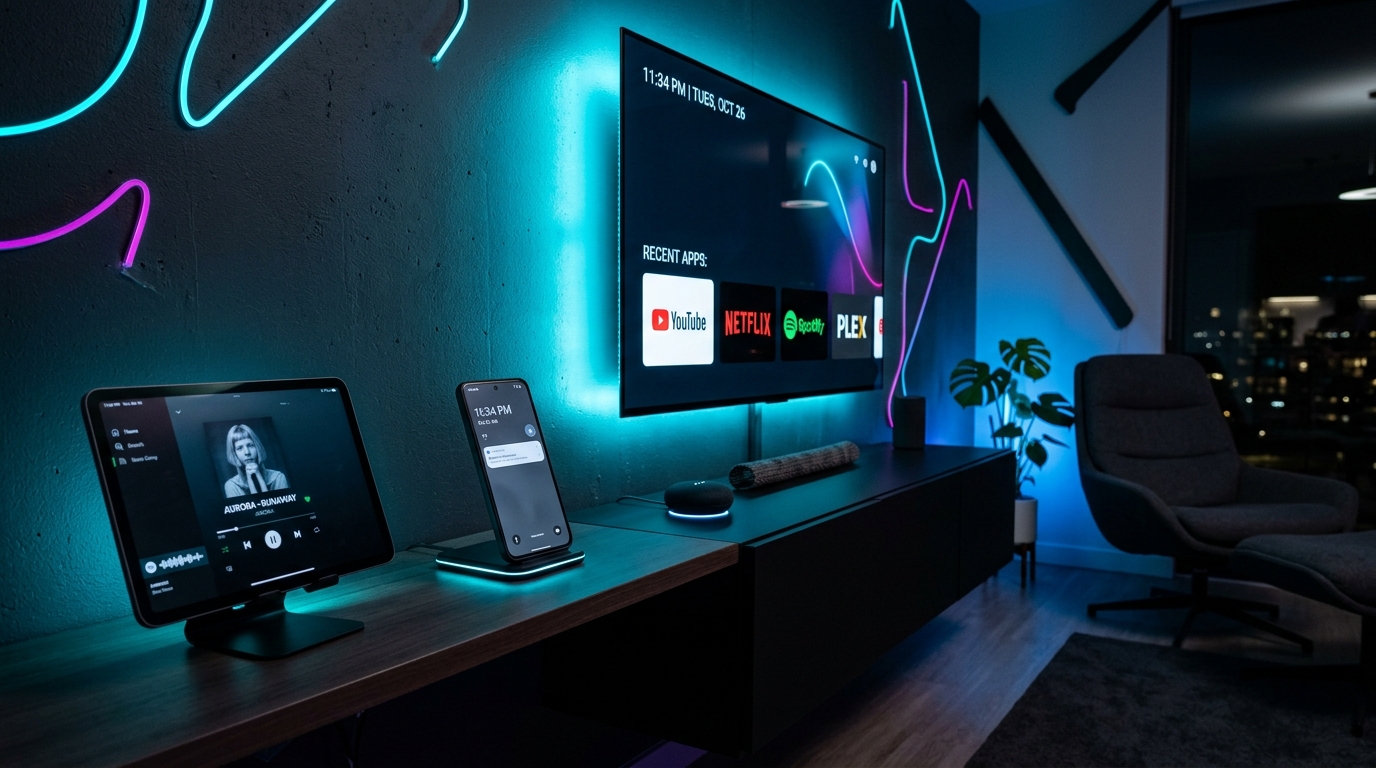
1. Smart TV (Samsung/LG)
We recommend using IPTV Smarters Pro or TiviMate.
- Go to your TV's App Store and search for "IPTV Smarters Pro".
- Install and open the application.
- Select "Login with Xtream Codes API".
- Enter the Username, Password, and Server URL provided to you in your welcome email.
- Click "Add User" and start watching!
2. Amazon Firestick
- Go to Settings > My Fire TV > Developer Options.
- Turn on "Apps from Unknown Sources".
- Install the "Downloader" app from the Amazon App Store.
- Open Downloader and enter our direct app link (provided after purchase).
- Install the app, open it, and log in with your credentials.
3. Android / iOS / PC
Simply download our recommended app from the Google Play Store or Apple App Store, open it, and enter your credentials. For PC, you can use VLC player with the M3U link provided after checkout.
🛡️ 4. Connection Troubleshooting & ISP Blocking
If your stream is buffering, failing to connect, or showing "Server Error", your internet provider (ISP) may be throttling or blocking IPTV traffic.
- Use a VPN: Connect through a VPN (e.g., Surfshark, NordVPN, ExpressVPN) to instantly encrypt your traffic and bypass ISP blocks.
- Change Device DNS: Set your DNS to
1.1.1.1(Cloudflare) or8.8.8.8(Google) in your device's network settings. - Mobile Data Filters: If browsing on mobile cellular data (4G/5G), turn off "Content Lock" in your carrier settings.
- Need Help? Message our 24/7 WhatsApp support to verify your account or get updated backup server links.